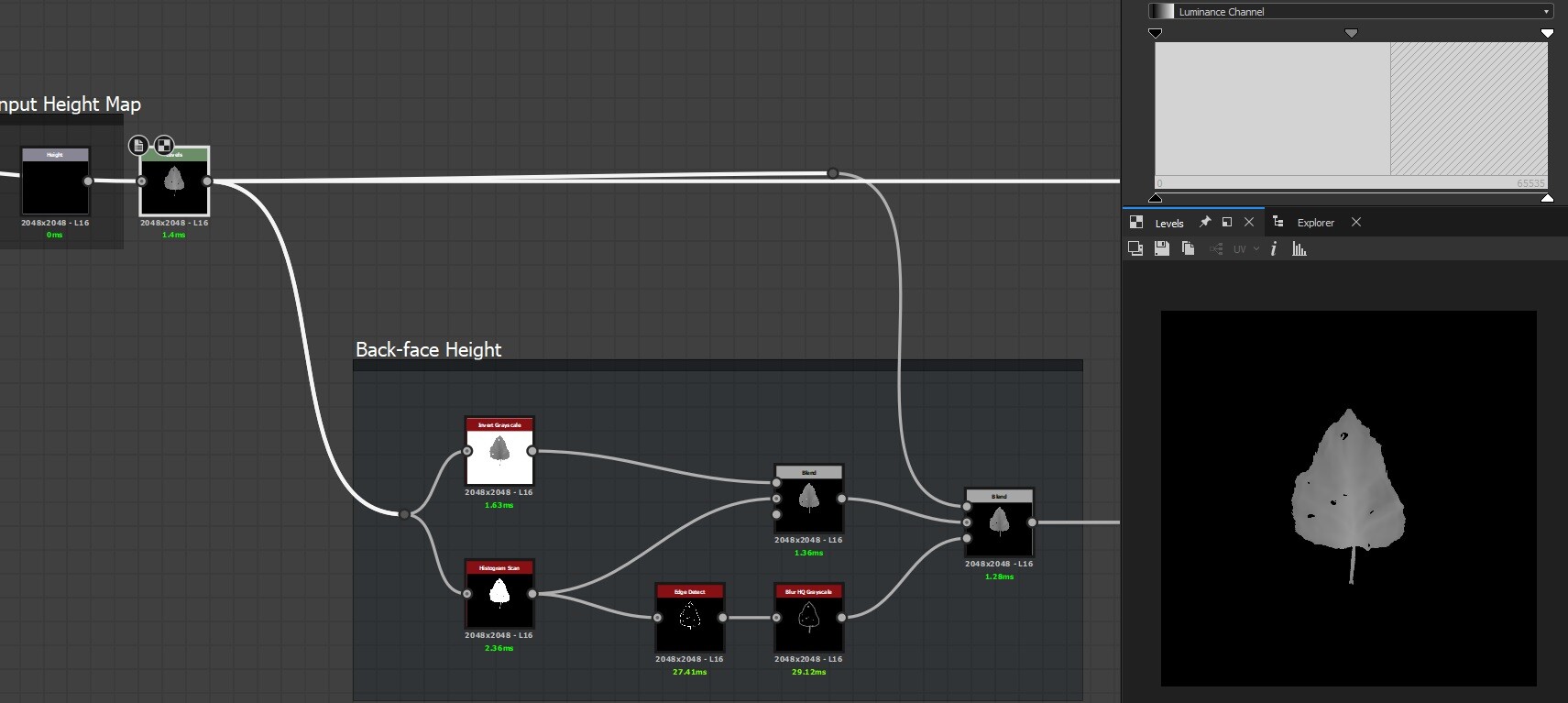
first step is to take the height map and invert it for the backface of the leaf

then I'm using a mask controlled by a rotation parameter to mask out the part of the shape that'll be curled

Mask and flip this part, all transform nodes are controlled with a single exposed parameter
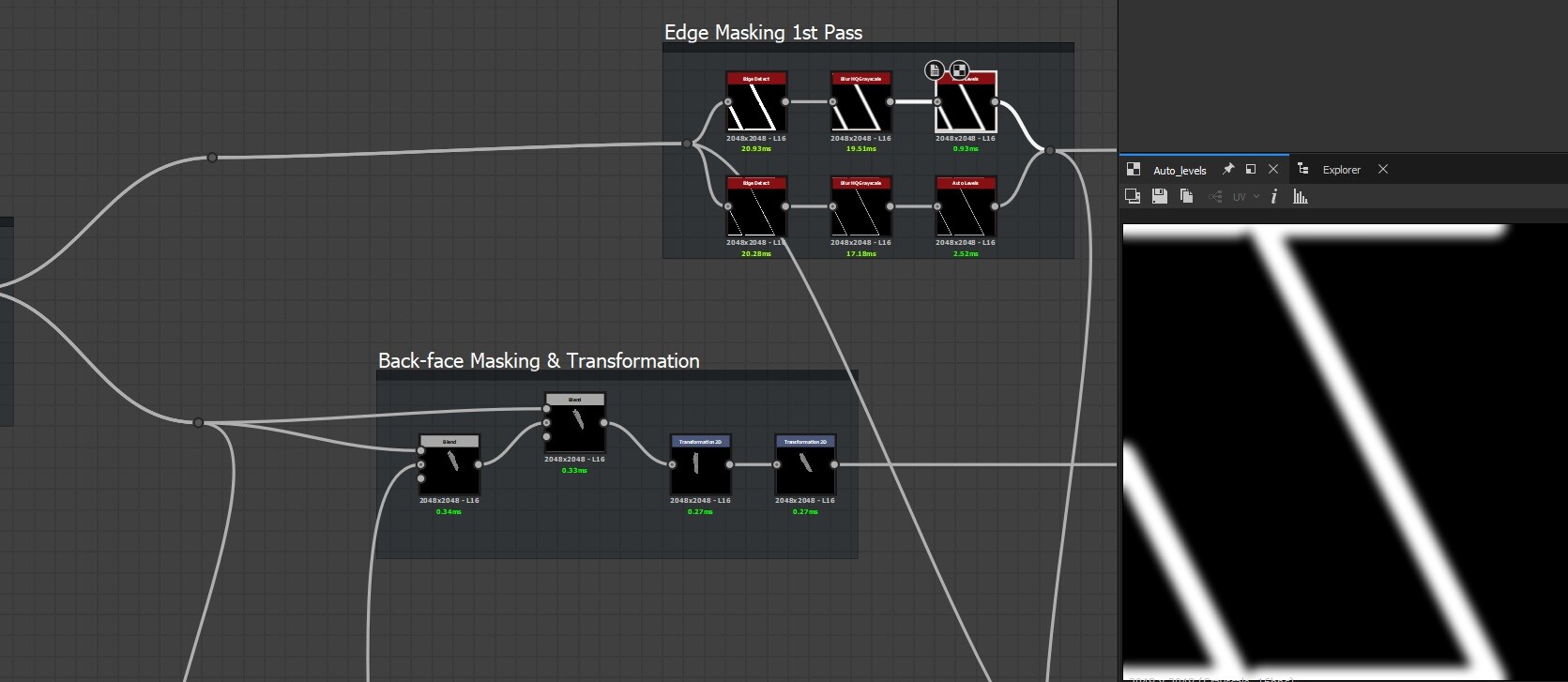
Mask out where the transition will be, will use that later to refine this area and make the transition a bit smoother

adding some volume to the flipped part of the shape to make it appear more rounded

Editing the slope of the shape near the transition using the masks created earlier

subtle blur effect then subtracting blurred noise near the edge, helps give the leaf a less uniform and procedural look

and lastly a directional warp node to make the edge less straight and sharp

Height curl graph, the graphs for other maps are basically the same.
The nodes are available here: https://www.artstation.com/a/55230304
I was working on a material that has fallen leaves in designer and needed a tool to curl and twist the leaves for a more realistic look, ended up with this, Could be used for pretty much any thin object like papers or cracked paint as well not just leaves.
This tool works with the entire material with subgraphs for each map type "Height,Normal,Grayscale,Color"